- by
- 2026-07-28 14:24:06
-

-
-
Loading
Loading
Loading
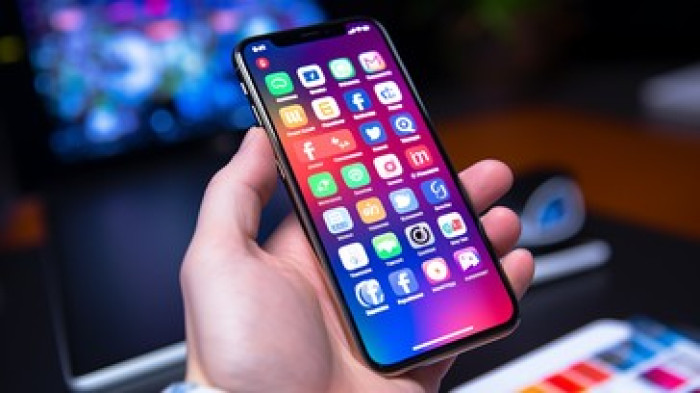
How to Identify Fake Apps: Apps are ubiquitous in the era of 'Digital India.' We rely on them for various tasks, yet we often download them without proper verification—a habit that can lead to dire consequences. In many instances, downloading a fake app grants fraudsters control over your phone, allowing them to steal personal data and banking details, ultimately making you a victim of financial fraud. Here is how you can distinguish between genuine and fake apps before downloading them.
1. Check the App's Creator
Before downloading an app, check who created it—specifically, the names of the developer and the company. For major companies, the developer and the company are often the same entity; verify this detail. If the developer's name differs or is missing entirely, it should raise a red flag.
2. Check the number of downloads
You should download an app only after gauging its popularity. Before downloading, check how many times it has been installed; popular apps often have hundreds of thousands of downloads. If a seemingly essential app has very few downloads, proceed with caution and double-check it.
3. Check ratings and reviews
It is crucial to read reviews before downloading an app. Pay attention to any reported issues. Finally, look at the app's rating. If most users comment that the app is fake or involves a scam, stay away from it.
4. If a simple app requests excessive permissions...
If a basic app—such as a flashlight or calculator—requests access to your phone's camera, microphone, or location, treat it as a red flag.
5. Check the app's spelling
Check the spelling on the app icon before downloading. Fake apps often use the same logo as legitimate ones but have different spellings. Therefore, examine the app icon carefully.
6. Use official app stores
Always download apps from official sources like the Google Play Store or the Apple App Store. Do not download apps from unknown websites.
7. Check if the app is being updated
If an app has not received updates for a long time, you should be suspicious. Regular updates are standard for legitimate apps; a lack of updates could mean the app is insecure.
.webp)
.webp)